

Plans and billing
Last updated October 13, 2026
Only the helper ever pays. The person you help never needs a plan or an account. Prices are in US dollars, and you can cancel whenever you like.
The plans
| Plan | Price | What you get |
|---|---|---|
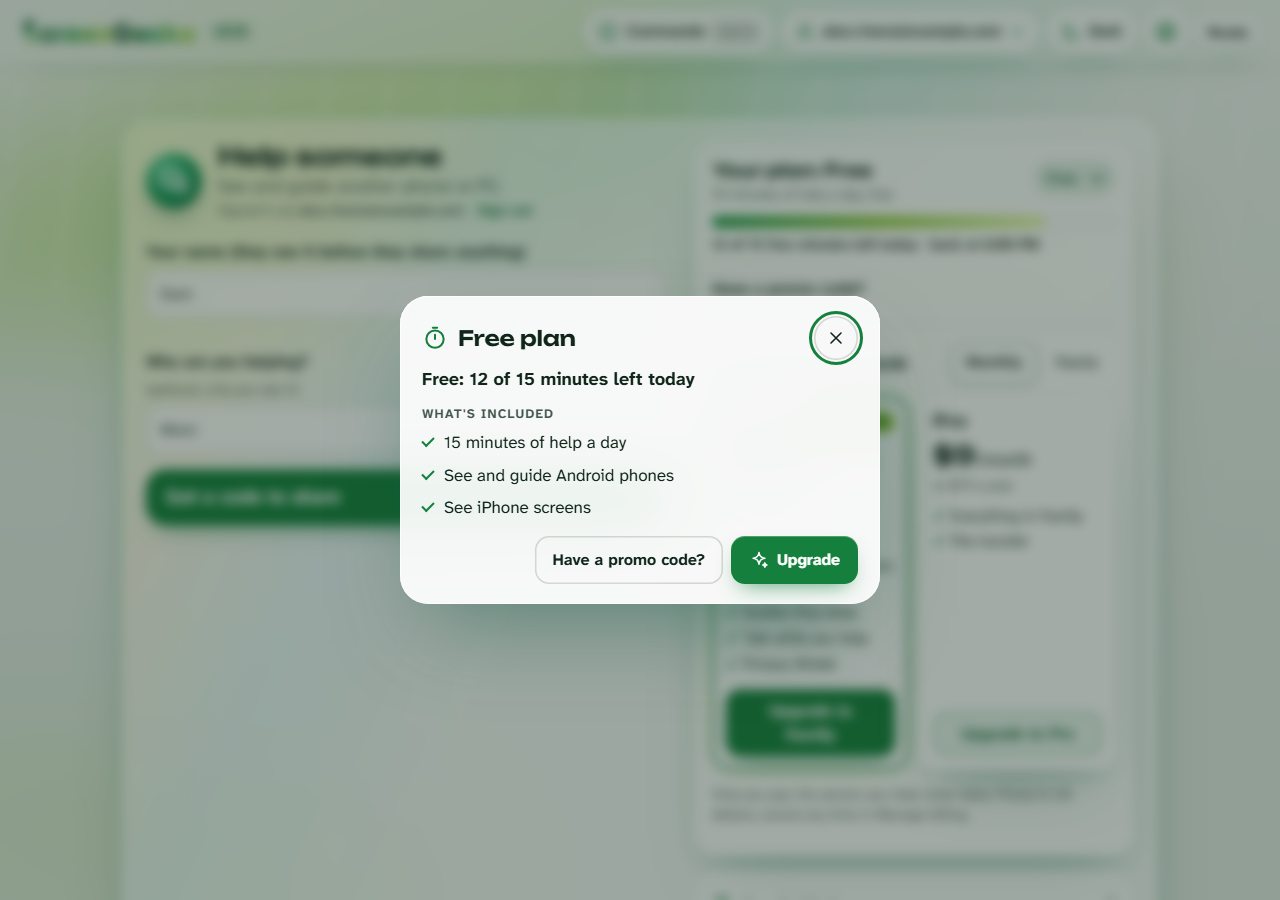
| Free | $0 | Help for up to 15 minutes a day. Control Android phones; iPhones are view only. Send a help link by text or email. Keep up to 3 people. |
| Family | $4.99 a month, or $49.99 a year | Unlimited help minutes, Your turn, guides they keep, Talk, Privacy Shield. Keep up to 5 people. |
| Pro | $9.99 a month, or $99.99 a year | Everything in Family, plus file transfer, your business name and logo, session notes and reports, and unlimited people with groups. |
Yearly saves about 16%. There is no free trial: Free is free for as long as you like.
How the 15 free minutes work
- Your minutes start fresh every day at midnight UTC.
- In the last 2 minutes, a banner shows how much time is left.
- At zero, the session ends for both of you. Come back tomorrow, or upgrade to keep going.
Upgrade
- Open Settings > Your plan (in the console: See plans and upgrade).
- Pick Monthly or Yearly.
- Choose Upgrade to Family or Upgrade to Pro (on Android: Get Family; on iPhone: Subscribe).
On the web you pay with Stripe, on Android with Google Play, and on iPhone and iPad with the App Store. Your plan works on every device you sign in to.
Promo code? Choose Have a promo code?, type it (it looks like FAM-XXXX or PRO-XXXX) and choose Redeem.
Change or cancel
Cancel where you bought it. After you cancel, your plan stays until the end of the time you paid for.
- Web (Stripe): in the console, open Settings > Your plan and choose Manage billing.
- Android (Google Play): in ScreenGecko, open Your plan and tap Manage subscription. Or in the Play Store app: your profile picture > Payments & subscriptions > Subscriptions.
- iPhone and iPad (App Store): open Settings, tap your name, then Subscriptions > ScreenGecko.
Refunds follow the rules of the store you paid: Apple for the App Store, Google for Google Play. For web purchases, email us. Deleting your account does not cancel an App Store or Google Play subscription. More in our terms of use and on the support page.
Still need help?
Email support@screengecko.app. Tell us which device you use and what happened. We never need your password or a code, and we will never ask for them.